 Central Production
Make tracks, pads, sounds and plugins
Central Production is a free studio for making your own sounds. Record a song, build a pad or an instrument from a few samples, or put together your own reverb. Then use it in your apps, or sell it on Make & sell.
It's free. If you have a sound plan, the better sounds show up inside it.
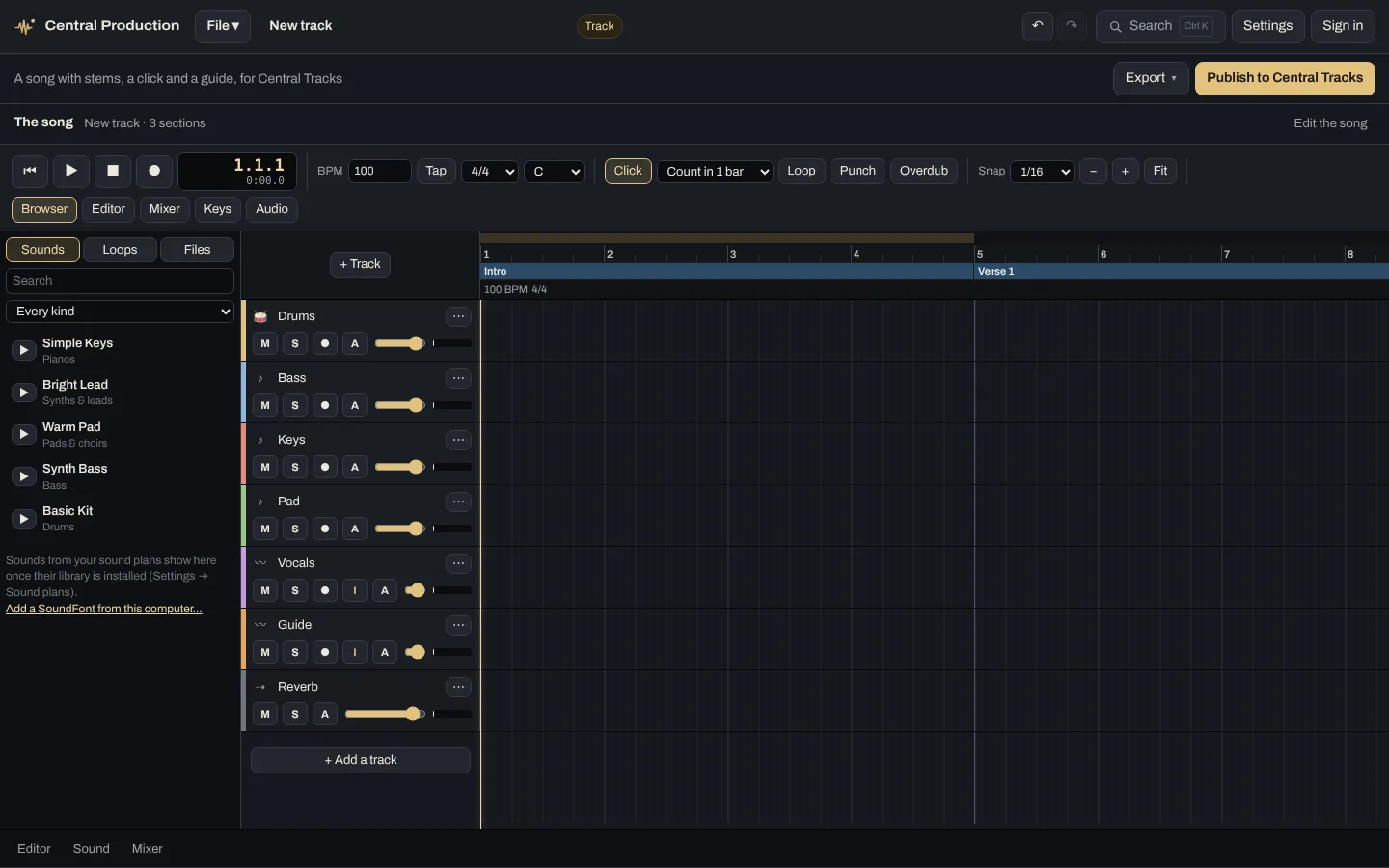
What Central Production does
Recording and editing
- Start from what you're makingFile → New project asks what you're making: a track, a loop, a sample, a pad, an instrument, a plugin or a pedal board.
- Multitrack recordingCount-in, punch in and out, and loop takes. Each track can use its own input on your audio interface, and it measures the latency for you.
- Tempo and time signatureChange them anywhere in the song. Loops follow your song's tempo and key.
- Mixing and editingSends, buses and automation, a piano roll, and a drum grid with quantize and humanize.
Plugins
- Your VST3 and CLAP plugins, liveThey play on every track while the song plays. Turn a knob and you hear it about a fifth of a second later. You only need to freeze a track if your computer is working hard.
- Play a keyboard through themNotes from a MIDI keyboard go through the track's plugins, with only a few milliseconds of delay.
- Delays that stay in timeAny delay can follow the song's tempo, even when the tempo changes. Pick the note you want, from a whole note down to a 1/32, dotted or triplet.
- Build your own pluginsDrag in blocks like a filter, delay, reverb or drive, add knobs and wire them up. If you'd rather write code, you can.
- They work in the other appsA plugin you make plays on the pedal, in Central Control and Central Usage, on the website and in Production.
Getting your work out
- ExportSave as WAV or MP3, as stems, or as an SF2 or SFZ instrument. Plugin automation is included in what you export.
- Install into my appsPuts what you made straight into Central Control and Central Usage on this computer.
- PublishSend it to Make & sell or Central Tracks, and get paid when people use it.
- Saved to your accountThe desktop app and the website open the same projects.
Who it's for
Anyone who wants to make tracks, pads, sounds or plugins, whether for your own church or to sell.
Where it runs
Use it in your browser, or download it for Mac, Windows or Linux.
Open itIt's free
It's free. If you have a sound plan, the better sounds show up inside it.
Stuck on something? Try the Help Center.
The other apps
They're separate apps, but on the same Wi-Fi they find each other and share the work.
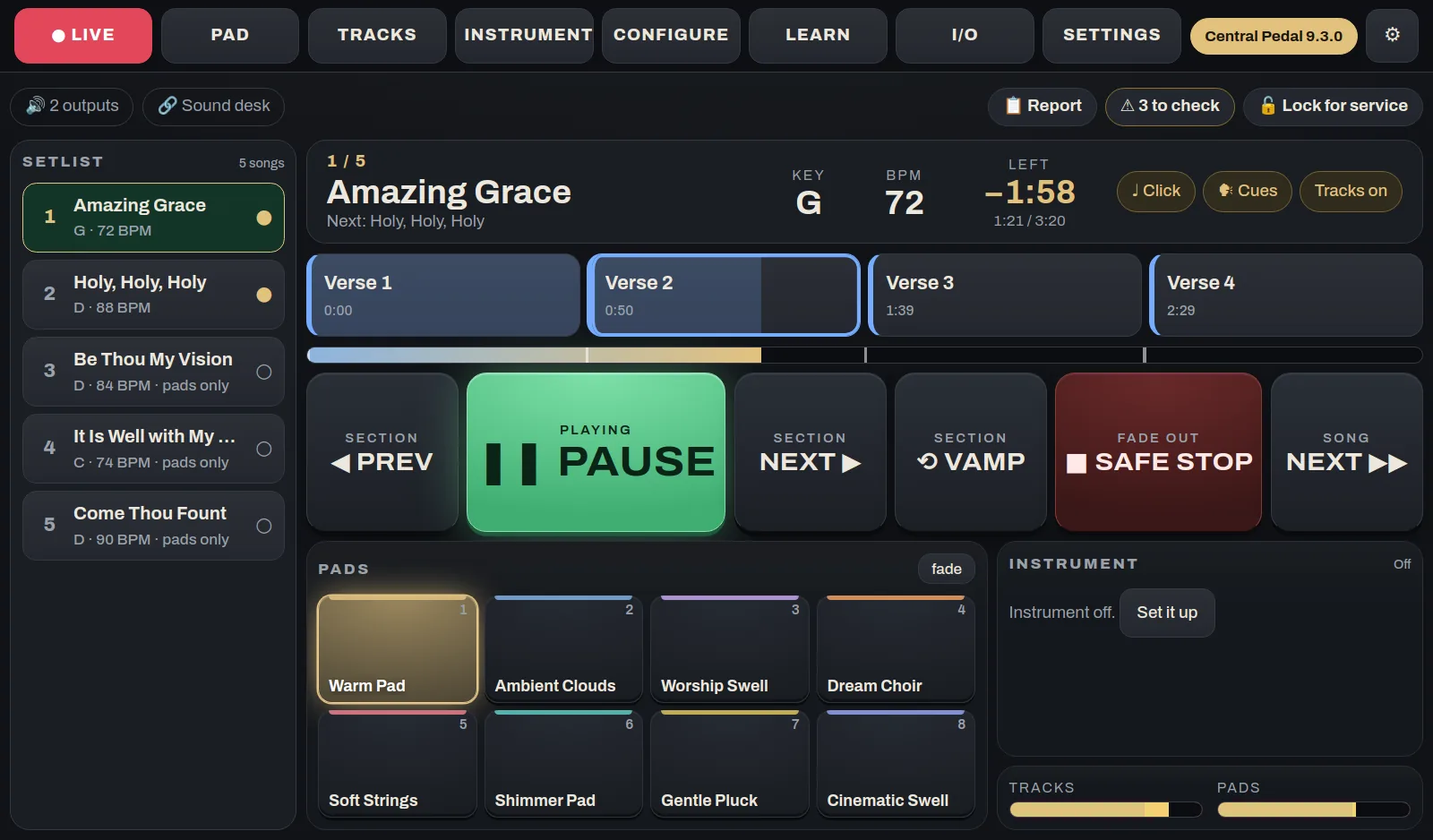
 Central Pedal
The pedal at the worship leader's feetA floor unit that plays your pads and multitracks, shows the chart and lyrics, and runs a looper and a guitar or keys rig. It has 12 footswitches, knobs, a touch screen and two HDMI ports. We build and test each one, and it arrives ready to play.
See what it does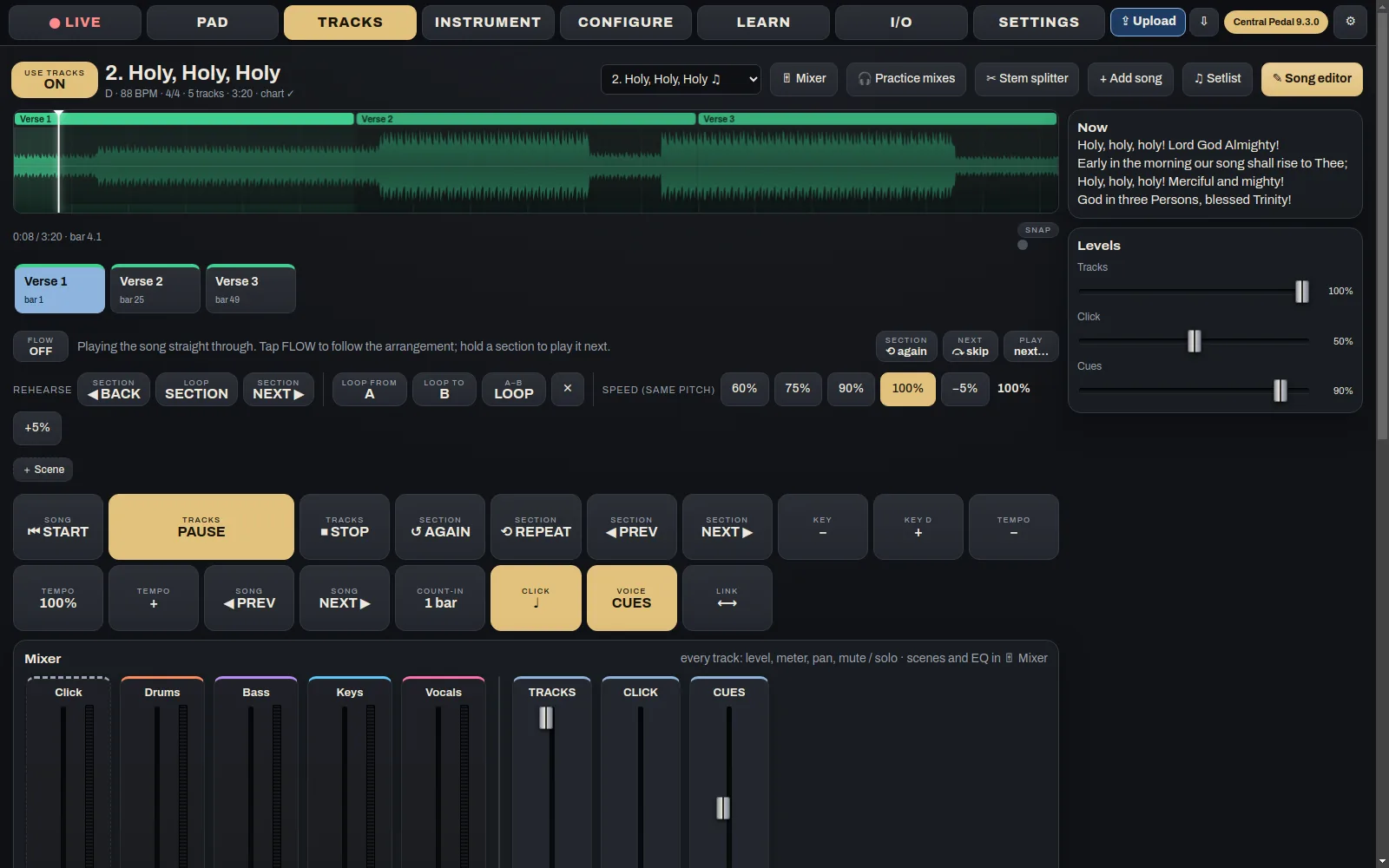
 Central Pedal Control
Get the pedal ready from homeThis is where the week's prep happens. Build the setlist, add songs and tracks, set up the pads and the instrument, and decide what each button on the pedal does. When you're done, press Upload and it all goes to the pedal.
See what it does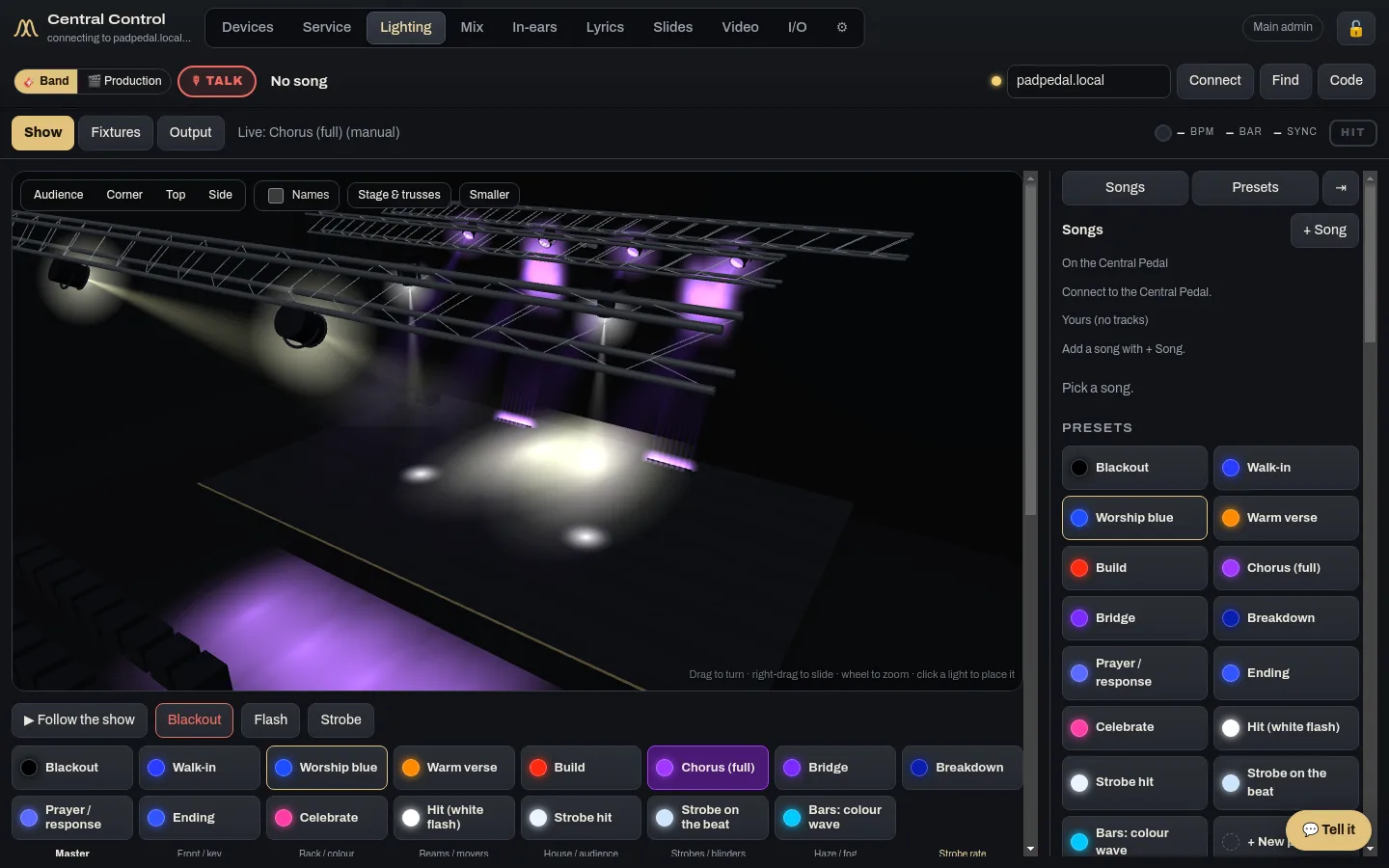
 Central Control
The desk runs the whole serviceCentral Control runs the room from the desk: lights, lyrics, slides, cameras, the stream, in-ears and the run sheet. If you have more than one computer back there, give each one its own jobs and they work together.
See what it does