 Central Pedal Control
Get the pedal ready from home
This is where the week's prep happens. Build the setlist, add songs and tracks, set up the pads and the instrument, and decide what each button on the pedal does. When you're done, press Upload and it all goes to the pedal.
Yours for good, on two devices, with all future updates. There's one in every church pack.
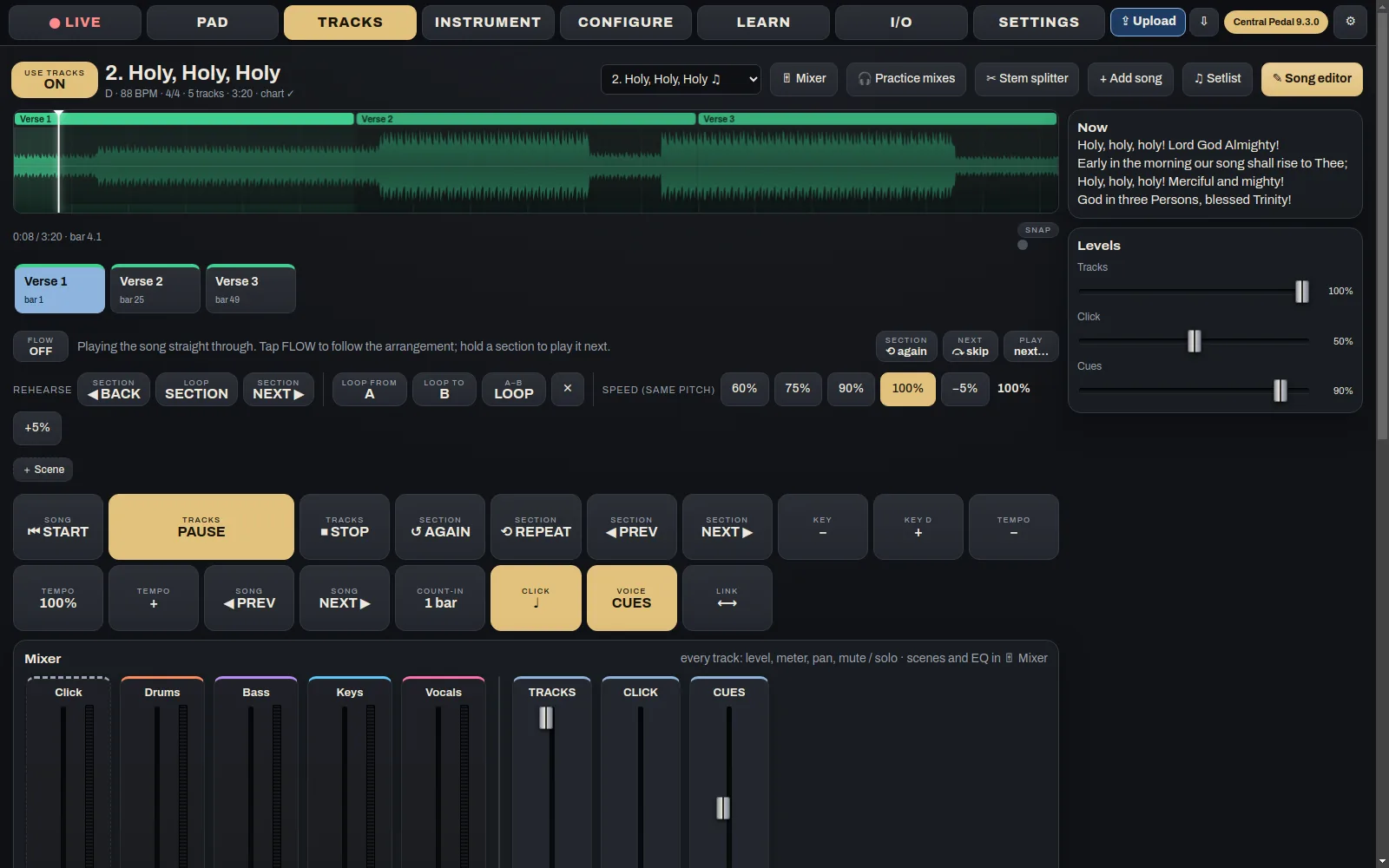
What Central Pedal Control does
Songs and setlists
- + Add songsAdd your own MP3s or WAVs, a multitrack, a Prime track, or anything from Central Tracks.
- Sections and cuesMark where the verses and choruses are, then set the click, the count-in and the spoken cues.
- Split a song into stemsGot a stereo recording? The stem splitter pulls out drums, bass, keys and vocals so you can use them as stems.
- SetlistsPut the songs in order and set the key and tempo for each one. You can open plans from Planning Center too.
Sound
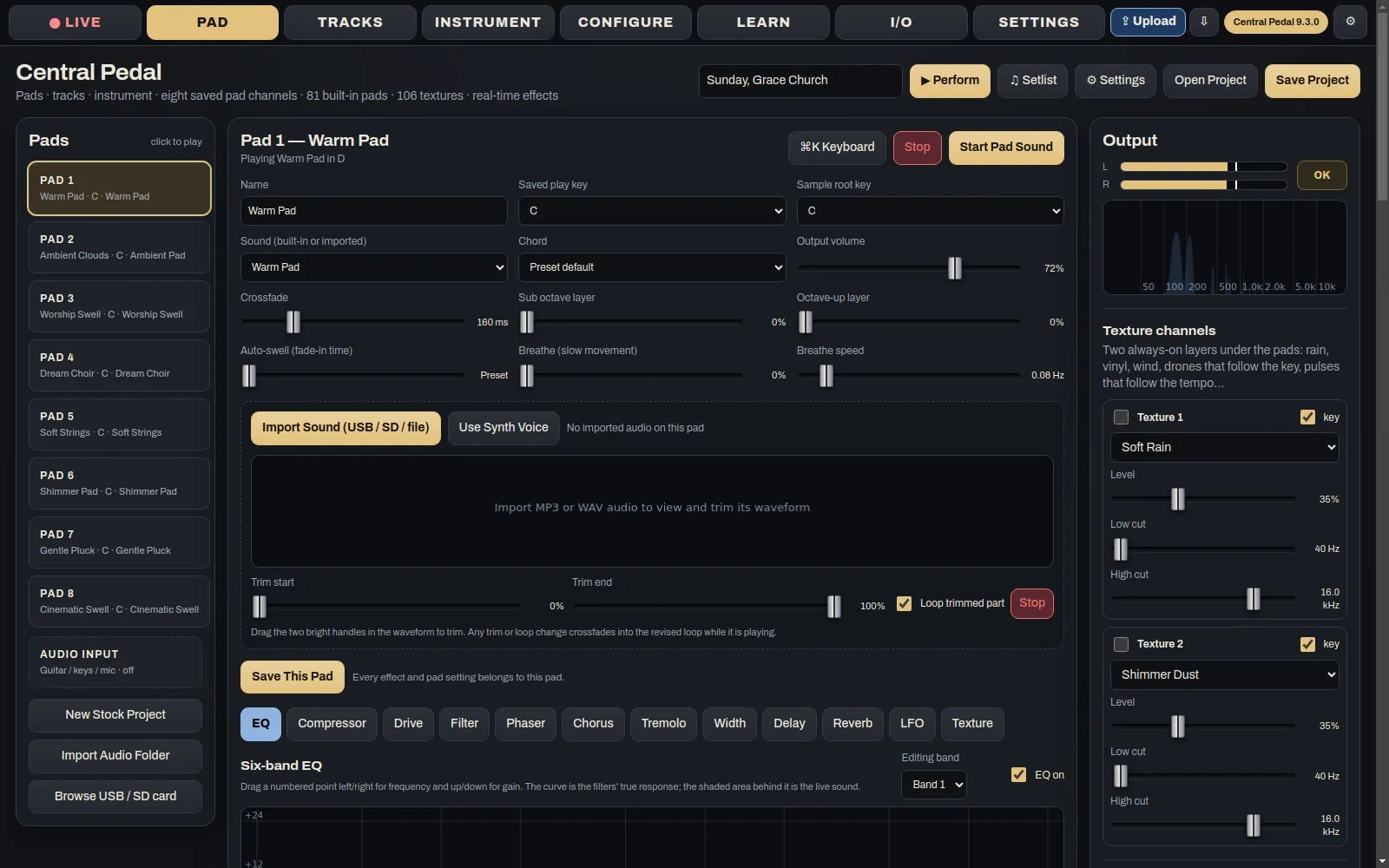
- Pads and effectsChoose each pad's sound, key and fade time. Add effects to any stem, pad or bus.
- The instrumentSet up the sound the pedal makes when you plug in a USB keyboard or a guitar.
- OutputsDecide where the pedal's sound goes, whether that's the desk, the in-ears or both.
Controls
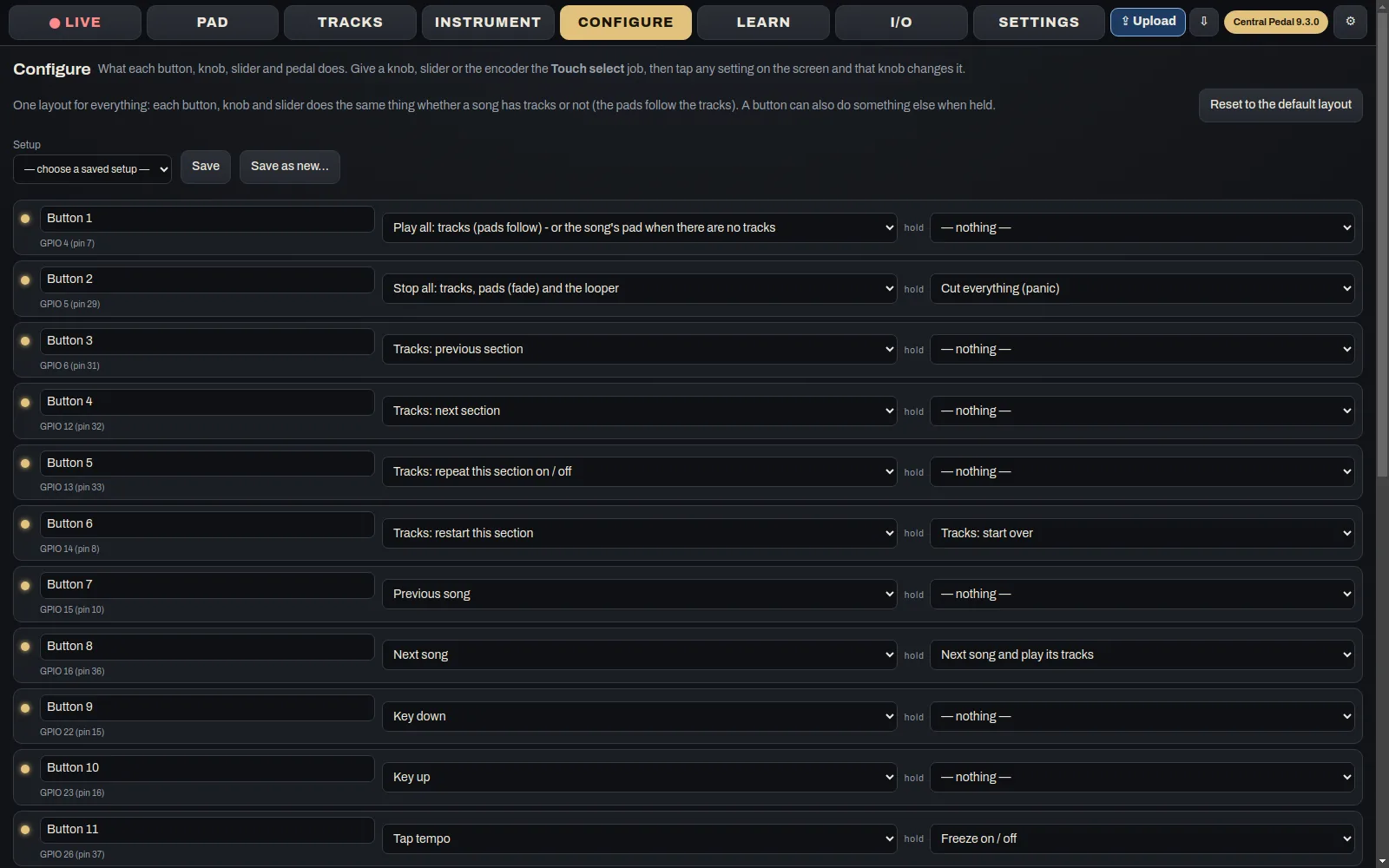
- Configure and LearnPick what each button, knob and pedal does, with a different job for a press and a hold. If you've wired your own controls, press Learn and then touch the control.
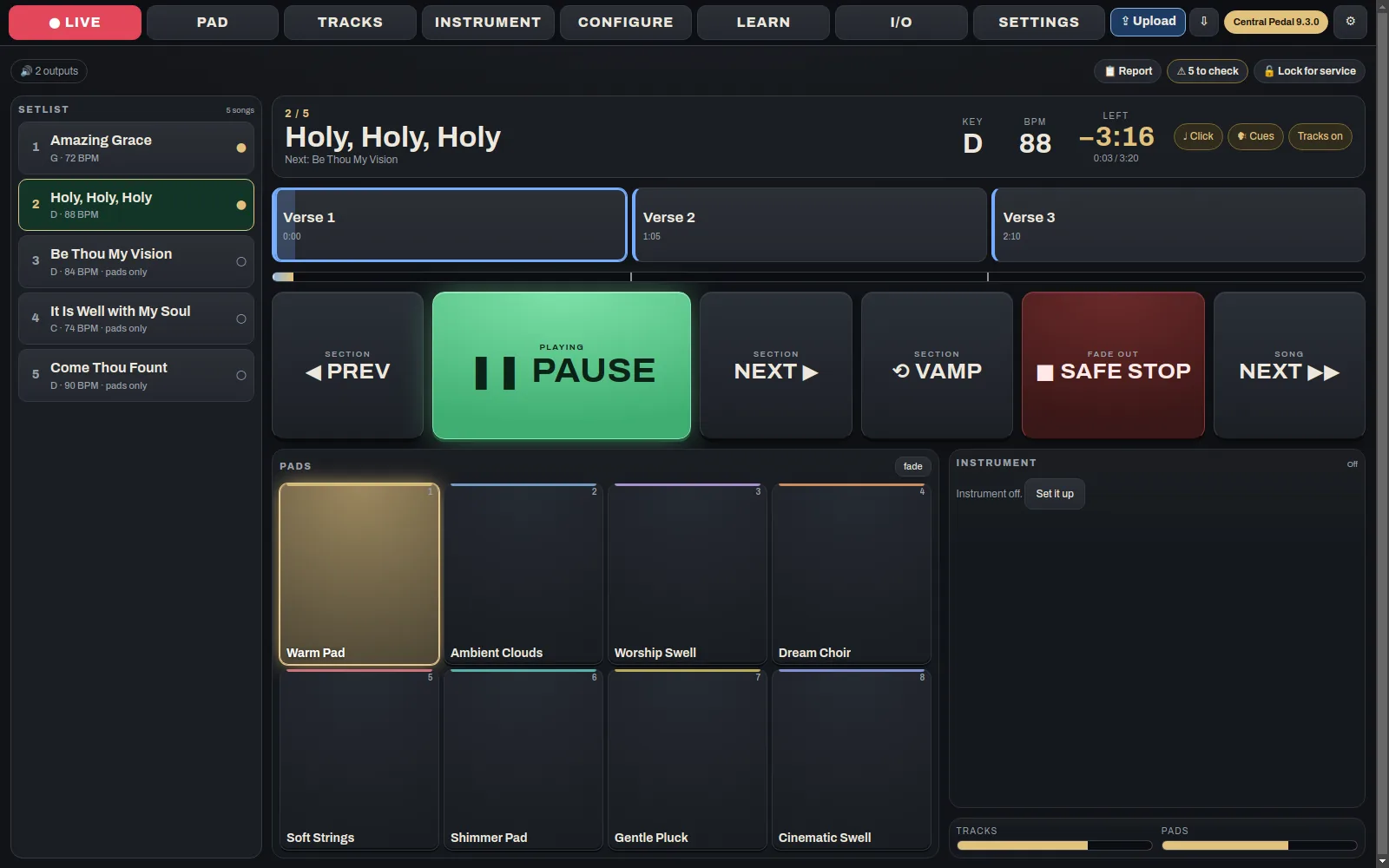
- See LIVE before SundayThe LIVE tab shows exactly what the pedal's buttons will do during the service.
- Saved setupsSave the whole setup of the pedal and bring it back later with one tap.
Upload and Download
- UploadSends everything to the pedal over the church Wi-Fi.
- DownloadPulls the pedal's setup back to your computer, so you can edit it or keep a copy.
- Runs on what you've gotMac, Windows, Linux, iPhone, iPad and Android.
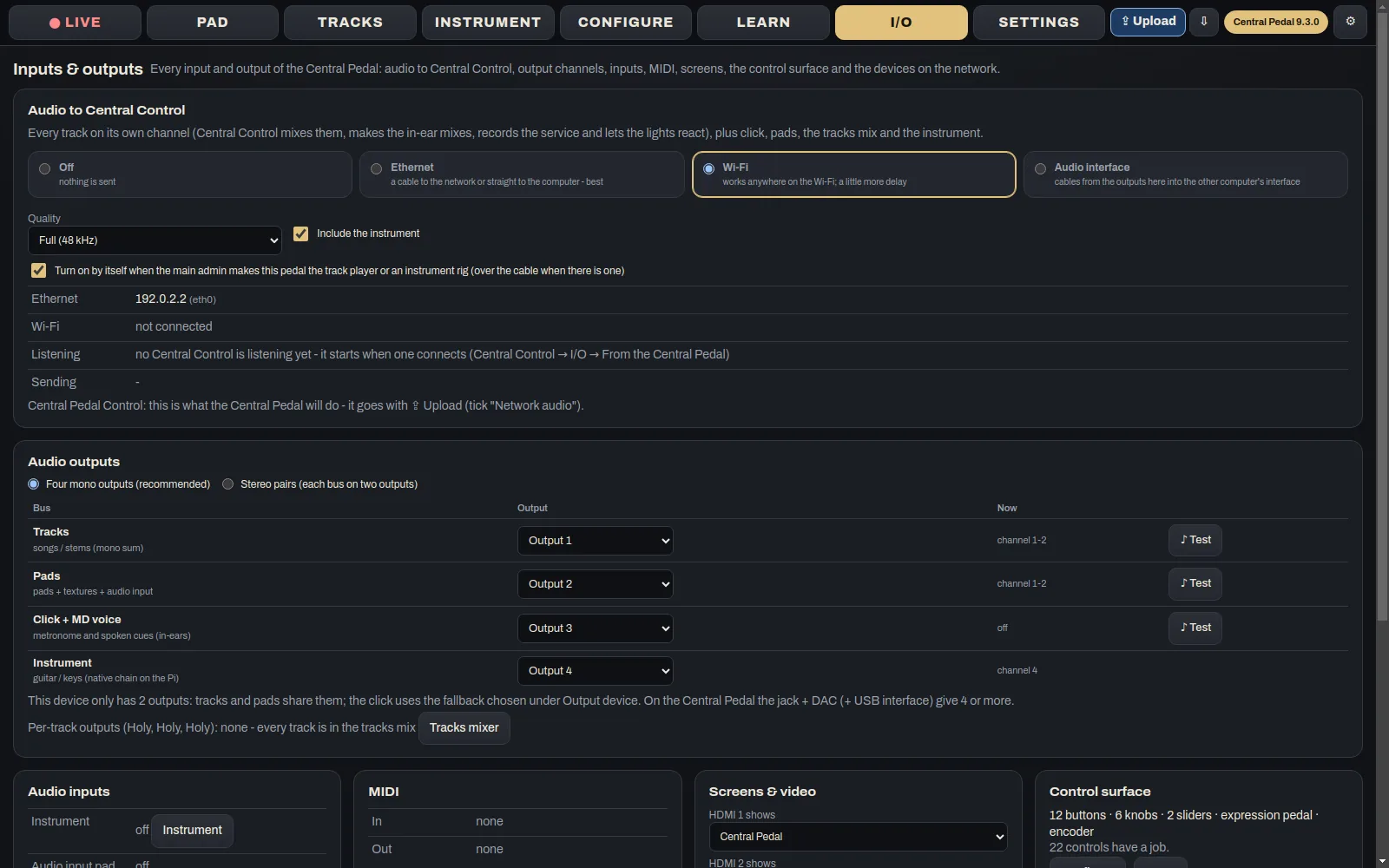
Screenshots
These are from the real app, not mock-ups.
Who it's for
Whoever gets the songs ready during the week, at home or at church.
Where it runs
Free to download for Mac, Windows, Linux, iPhone and iPad, Android. The first time it opens, it asks for your key.
DownloadsGet it
Yours for good, on two devices, with all future updates. There's one in every church pack.
If you want every detail, there's a full Central Pedal Control manual. Stuck on something? Try the Help Center.
The other apps
They're separate apps, but on the same Wi-Fi they find each other and share the work.
 Central Pedal
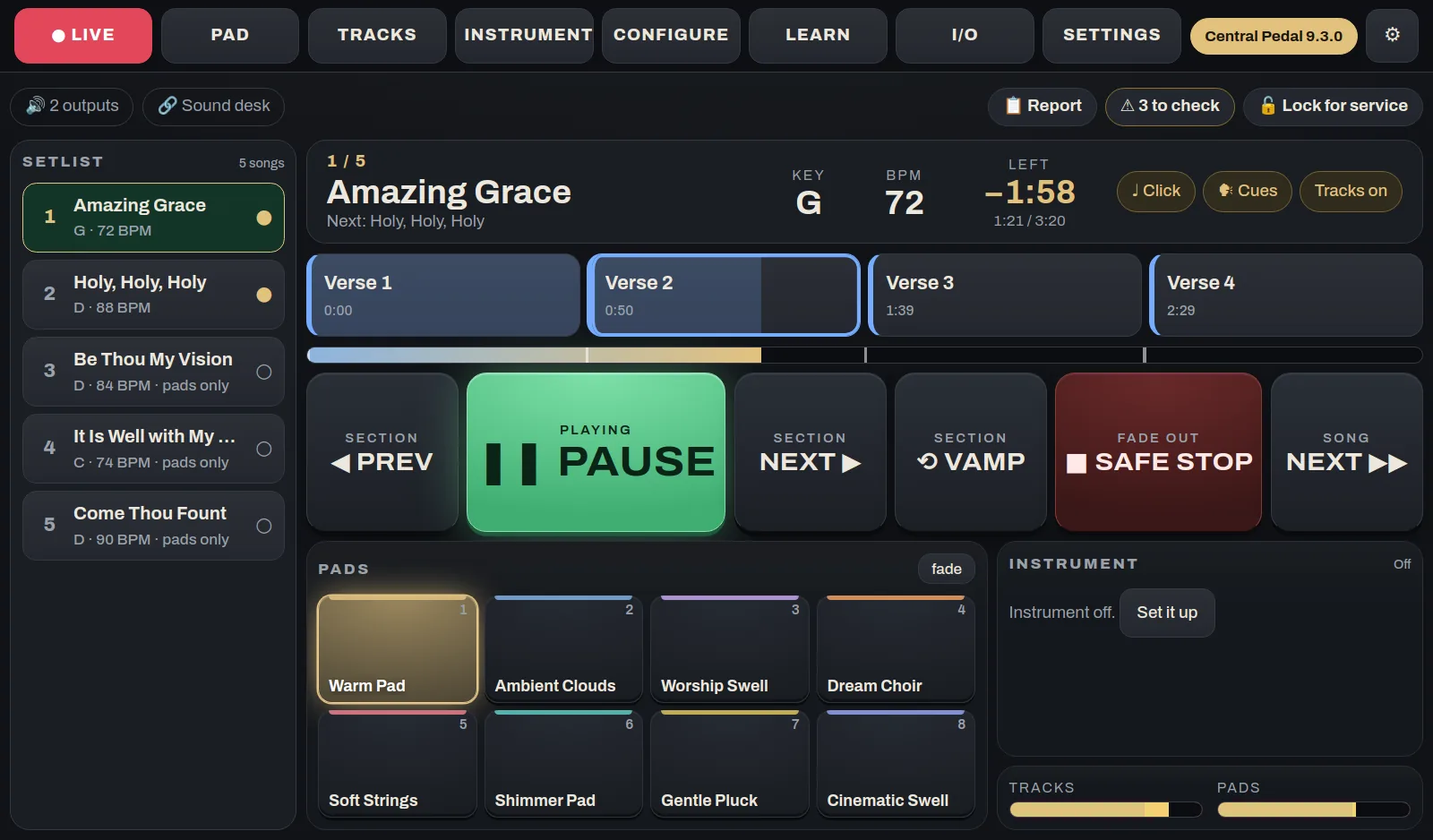
The pedal at the worship leader's feetA floor unit that plays your pads and multitracks, shows the chart and lyrics, and runs a looper and a guitar or keys rig. It has 12 footswitches, knobs, a touch screen and two HDMI ports. We build and test each one, and it arrives ready to play.
See what it does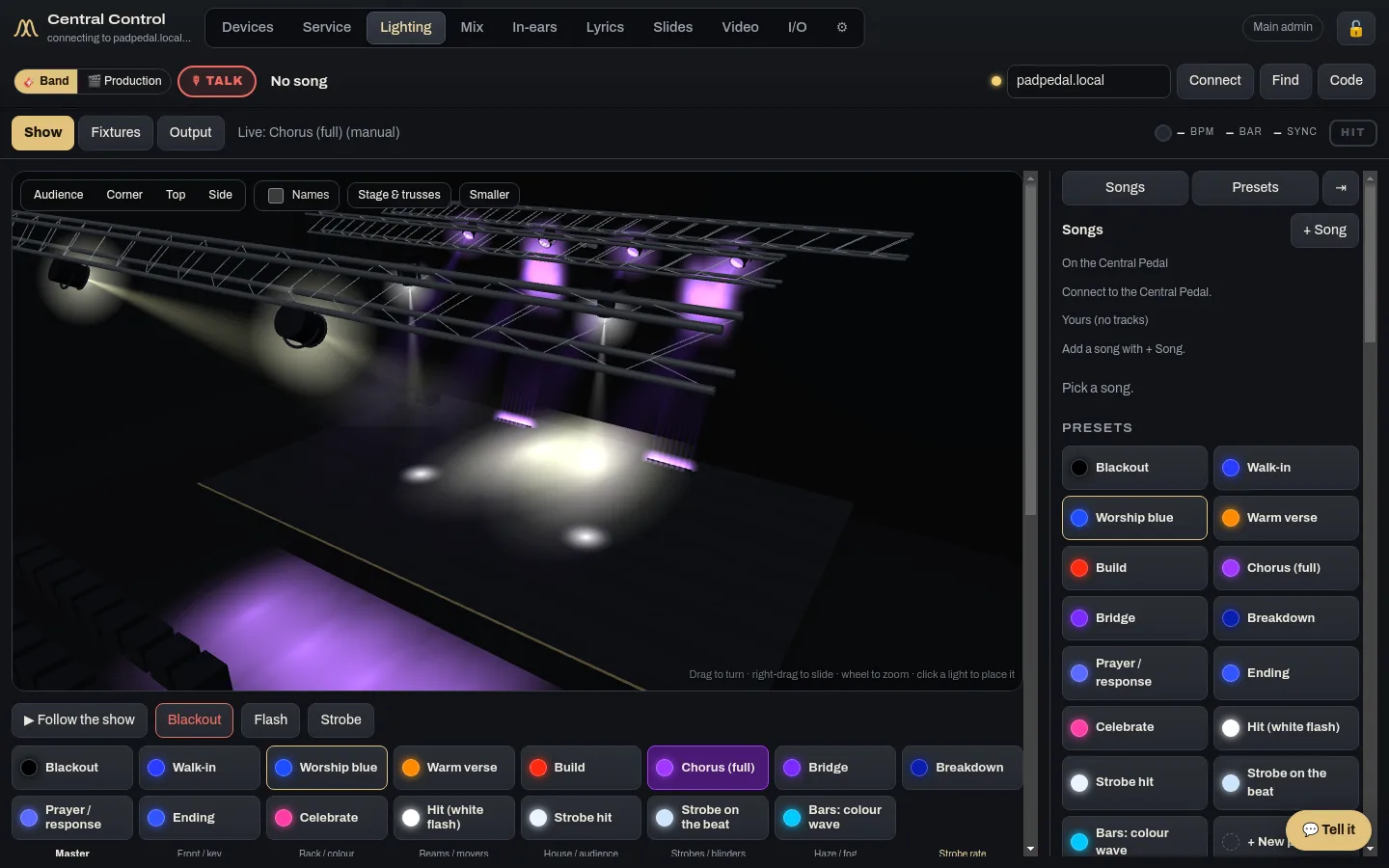
 Central Control
The desk runs the whole serviceCentral Control runs the room from the desk: lights, lyrics, slides, cameras, the stream, in-ears and the run sheet. If you have more than one computer back there, give each one its own jobs and they work together.
See what it does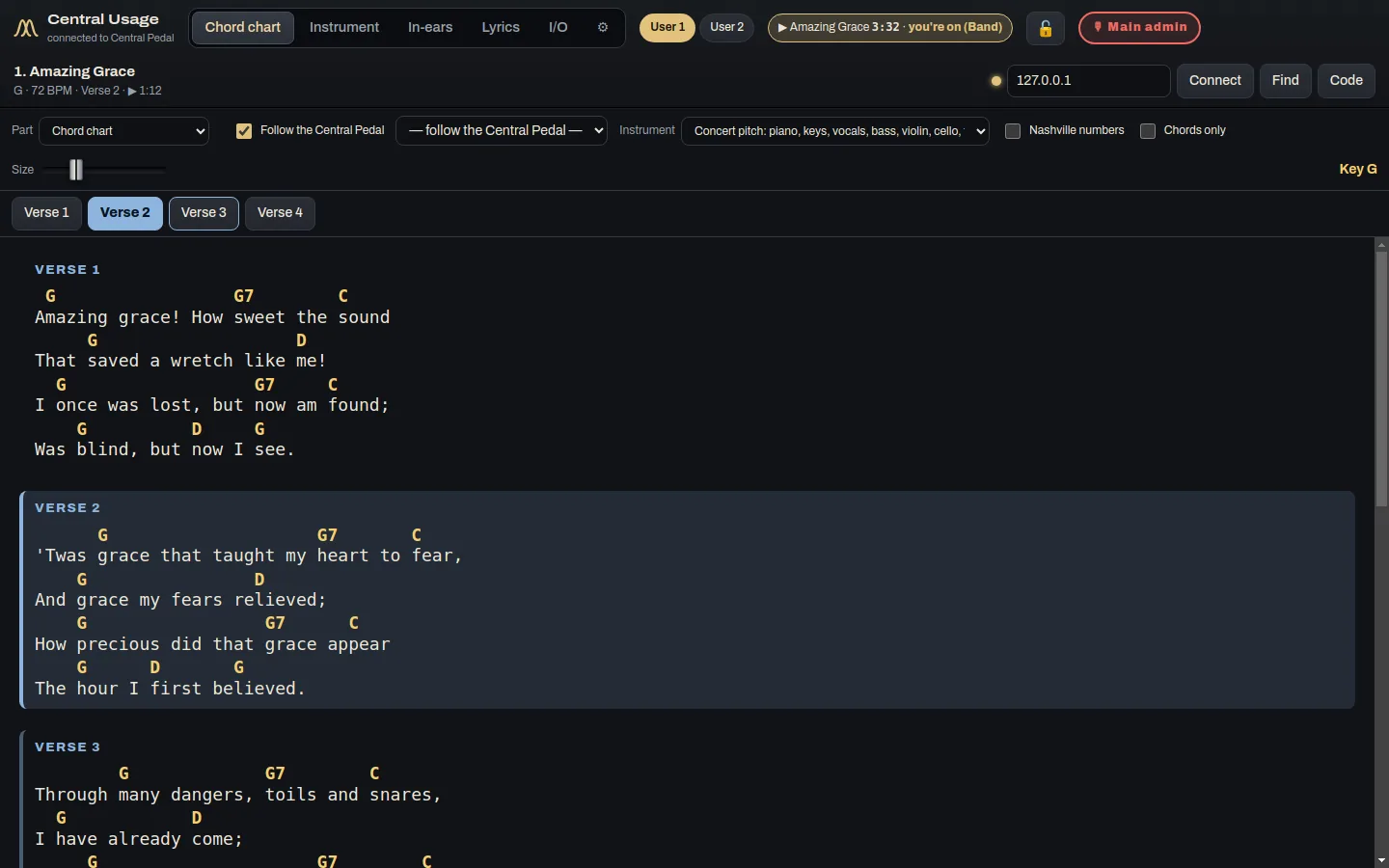
 Central Usage
Each musician's chart, sound and mixCentral Usage is the app for the people on stage. Each musician and singer gets their own chord chart, the lyrics, their instrument sound and their own in-ear mix. It works at church and at home.
See what it does